
Speak it. Ship it.
System-wide AI dictation that polishes as you talk. Highlight any text and Dictaste reads it back. Developers get it free with their own API key.
Yes, we know what it sounds like. We kept it anyway.
Hold fn 🌐
Free · 2,000 words of AI polish per day · highlight-to-speak included
Start freeDual mode
One tool. Two directions.
Most dictation apps only go one way. Dictaste closes the loop — speak to write, highlight to hear.
Dictate
Hold → Speak → Ship
System-wide. AI cleans filler, structures thoughts, and inserts ready-to-send text into any app — Cursor, Slack, Notes, email, browser.
Hold fn 🌐 · release to stop
Hear / Taste
Highlight → Listen
Select any text. Instant multi-provider TTS. Catch awkward phrasing, review docs by ear, or rest your eyes while code and comments are read back.
System · OpenAI · Gemini · Grok
System-wide capture
Hold your shortcut and dictate into whatever field you're already in. Mail, Slack, Notes, docs, browsers, Cursor — it just works.
Private-first speech
Mac: on-device Apple Speech — voice stays on your machine. Windows: free Web Speech or BYO Whisper. Polish sends text only when you use cloud models.
AI Polish included
Turn rough thoughts into crisp messages, clean notes, and structured writing in one step. Filler gone. Ready to send.
Highlight-to-speak
Mac auto-reads selections; Windows Ctrl+Shift+R (remappable) reads selection or clipboard — free system voices, Pro managed, or Dev BYO.
Polish selection
Windows Ctrl+Shift+P rewrites highlighted text with AI polish, replacements, and auto-capitalize — then pastes (or copies if auto-paste is off).
Always ready
Optional launch at login. Customizable hotkeys. Ready the moment inspiration (or a deadline) hits.
Raw dictation
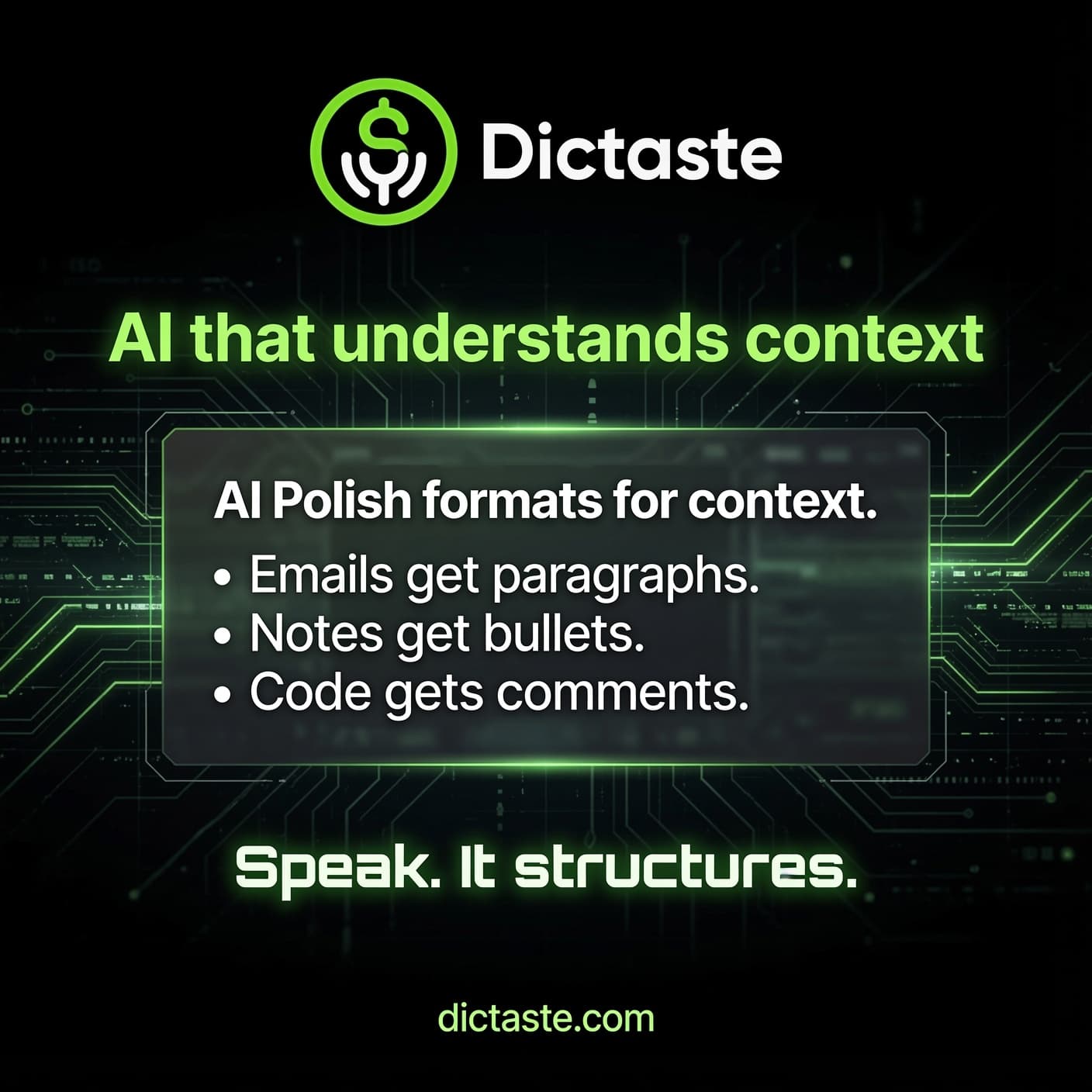
okay so i need the report by friday and also can you double check the numbers on page three because i think theyre wrong and uh one more thing add a summary at the top and also make it sound more professional but not too formal thanks
After AI Polish
I need the report by Friday. Please:
- Double-check the numbers on page three — they may be incorrect.
- Add a concise summary at the top.
- Refine the tone to sound professional, not overly formal.
Thank you!
Highlight-to-speak
Select text. Hear it. Fix it faster.
Dictaste can read selected text aloud on Mac and Windows. Highlight a paragraph, a Slack thread, a code comment, or a long LLM reply. On Mac, playback can start when you finish selecting; on Windows, press your read hotkey (default Ctrl+Shift+R).
- 01
Highlight in any app
Select text in browsers, editors, Notes, Slack, PDF readers — system-wide on desktop.
- 02
Dictaste captures the selection
Mac: Accessibility + clipboard fallback when you finish selecting. Windows: hotkey copies selection then speaks (clipboard restored).
- 03
Text-to-speech plays
Uses free macOS system voices by default, or premium OpenAI / Gemini / Grok voices when you add a key or upgrade.
- 04
Control from the mini HUD
The green menu-bar pill becomes a reader bar: play/pause, speed, voice label, stop. Hands stay on keyboard.
Why it matters
Ears catch what eyes miss. Proofread your own writing, review long diffs by ear, and rest your eyes without leaving the flow. Dictate one way. Taste the other. That's the loop.
Free: unlimited system voices · Pro: premium managed TTS
How it works
Three steps. Zero friction.
01
Listen
Hold fn 🌐. Speech stays on your Mac by default. Private on-device recognition.
02
Polish
AI turns rambling speech into clean, structured writing. Filler gone. Ready to ship.
03
Insert or Hear
Text lands in the focused field — any app. Or highlight anything and hear it spoken back.
System requirements
- 💻Mac running macOS 13+ (Ventura or later · best on latest)
- 🎙Microphone + Accessibility permissions
- ✦AI Polish + highlight-to-speak included
- 🛡On-device speech by default · text-only for cloud polish
Simple. Transparent. Keyboard optional.
Start free. Upgrade when you need more AI polish and premium voices.
Pro $4/mo · Pro Plus $8/mo · or yearly and save 33%
Free
Essential dictation + highlight-to-speak.
- ✓Unlimited system-wide dictation
- ✓Write across Mac apps
- ✓Private on-device speech
- ✓Built-in AI polish (2,000 words/day)
- ✓Highlight-to-speak with system voices
- ✓Great for occasional use
Pro
For people who write every day.
- ✓Everything in Free
- ✓Expanded AI polish (our models)
- ✓Premium multi-LLM voices (50k chars/mo)
- ✓System voices unlimited
- ✓No API key required
- ✓Priority performance
Pro Plus
For power users and heavy daily workflows.
- ✓Everything in Pro
- ✓Highest AI polish limits
- ✓Premium voices (200k chars/mo)
- ✓Best for long-form writing & listening
- ✓Priority access to new features
Developers: free forever with your own API keys → see Developers
Built for vibe coding
Speak 400-word prompts.
Ship 4x faster.
Hold one key. Talk the whole prompt. Dictaste polishes it and drops it into Cursor, Claude Code, VS Code, or the terminal. Developers get it free forever with a GitHub star and their own API key.
Questions, answered.
Everything you need to know before you start shipping with Dictaste.
What is Dictaste?+−
Dictaste is a system-wide AI dictation app for Mac and Windows. Hold a shortcut, speak, and polished text is inserted into whatever app you are already in — Cursor, Slack, Terminal, Mail, Notes, or the browser. It also reads selected text aloud (highlight-to-speak).
Does the free version really work?+−
Yes. Unlimited private system-wide dictation, 2,000 words of AI polish per day, and unlimited highlight-to-speak with macOS system voices. Upgrade only if you need more capacity or premium voices.
Is Dictaste free for developers?+−
Yes. Sign in with GitHub, star the johnmatveyev-lab/dictaste repo, download the app, and add your own LLM API key. That developer plan is free forever. Your key stays on your computer.
Does it work in Cursor, Slack, and Terminal?+−
Yes. Dictaste is system-wide, so it types into any focused text field — Cursor, Claude Code, VS Code, Terminal, Slack, Mail, browsers, Notes, and more.
Is Dictaste an alternative to Wispr Flow or Superwhisper?+−
Yes, if you want system-wide dictation plus highlight-to-speak. Dictaste is built for vibe coders, on-device speech on Mac, AI polish, a free developer path (GitHub star + your own API key), and Mac + Windows.
How does highlight-to-speak work?+−
Highlight text with your mouse in any app. When you release, Dictaste captures the selection and reads it aloud. Space pauses, Esc stops. Free tiers use Apple system voices; Pro and BYO keys unlock OpenAI, Gemini, and Grok TTS.
Does my voice leave my Mac?+−
Core transcription runs on-device via Apple Speech. Managed AI polish sends only text (never audio) when using our models. You can also bring your own keys.
What does AI Polish do?+−
It turns rambling speech into clean, structured writing — removes filler, fixes grammar, and can break multi-point thoughts into scannable bullets.
How much does Dictaste cost?+−
Free includes unlimited dictation, 2,000 words/day of AI polish, and system-voice highlight-to-speak. Developers are free forever with a GitHub star and their own API key. Pro is $4/month ($32/year). Pro Plus is $8/month ($64/year).
Is there Windows, iPhone, or web?+−
Yes — Mac (notarized arm64 + Intel DMGs) and a Windows portable preview with dictate, highlight-to-speak, and polish-selection hotkeys. Browser and mobile later; system-wide capture is a desktop problem first.
Why is it called Dictaste?+−
Because dictate.com was taken and we wanted something that sticks. Also Spanish for “you dictated.” The rest is a bonus for the internet.
Your keyboard is optional.
Download Dictaste. Start free. Upgrade when you need more polish and premium voices.